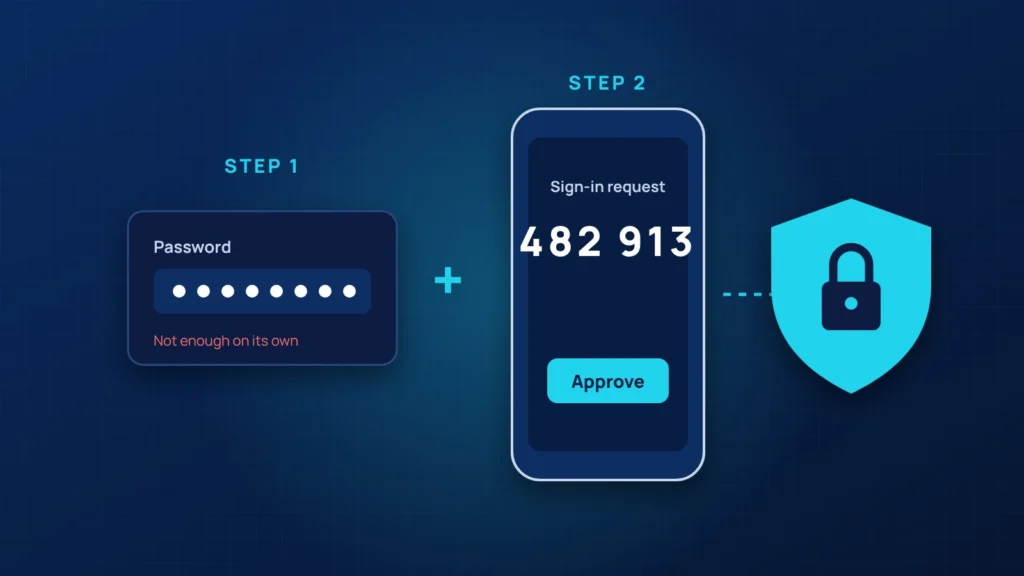
If you do one security project this year, make it multi-factor authentication (MFA). Most of the incidents we clean up at small businesses start the same way: someone’s password was reused, guessed or typed into a fake login page, and the attacker simply signed in. MFA means a password alone is no longer enough.
What MFA actually does
With MFA, signing in needs two things: something you know (your password) and something you have (your phone, an authenticator app or a security key). An attacker who steals the password still cannot get in without the second factor.
Where to turn it on first
- Email (Microsoft 365 or Google Workspace). Email is the key to every password reset.
- Banking, payroll and accounting systems.
- Your domain registrar and website hosting.
- Remote access tools and VPNs.
- Social media accounts that represent the business.
Which method to use
Use an authenticator app (Microsoft Authenticator, Google Authenticator or Duo) with number matching instead of text messages where you can. Text messages are better than nothing, but they can be intercepted or stolen through SIM swaps. Administrators should use phishing-resistant methods such as passkeys or hardware security keys.
Avoid the common mistakes
- Do not leave old accounts of former employees active without MFA.
- Do not approve a sign-in prompt you did not start. That is an attacker testing your password.
- Keep backup codes somewhere safe, not in the same email account they protect.
How we roll it out
For our clients we enable MFA through Microsoft Entra ID or Duo, register every user in a short session, block old sign-in methods that skip MFA, and monitor for suspicious sign-ins afterwards. For a typical small office, the whole project fits in an afternoon.
Want MFA set up across your business? Book a free security review or call 305.209.7650.


