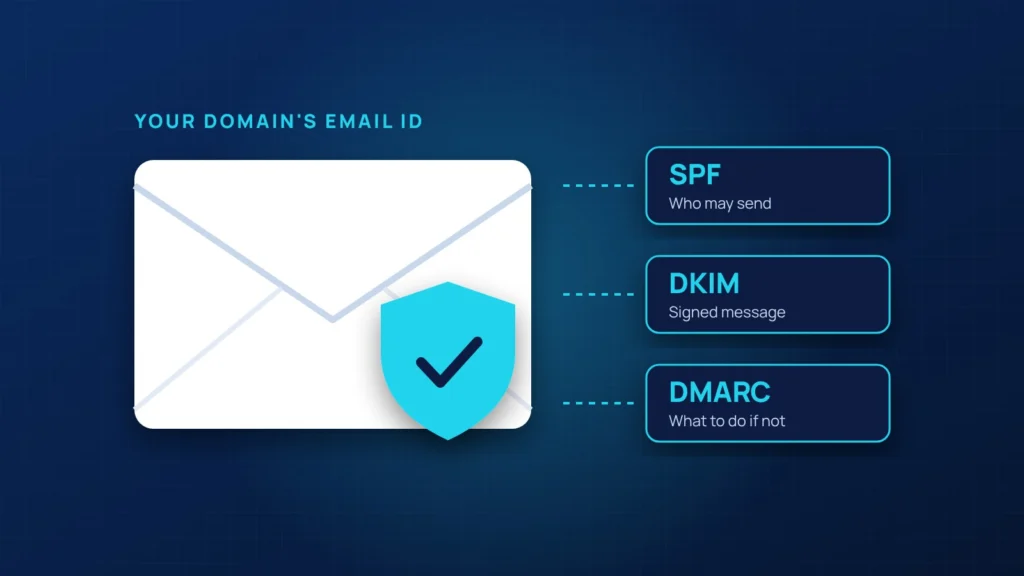
If your invoices land in spam, or a client received a fake email that looked like it came from your company, the cause is usually the same: your domain is missing email authentication. Three records in your DNS fix it.
SPF: who is allowed to send
SPF lists the services allowed to send email for your domain, such as Microsoft 365, your website and your email marketing tool. Receiving servers check the list. Anything else is suspicious.
DKIM: a signature on every message
DKIM adds a cryptographic signature to each email. The receiver checks it against a public key in your DNS to confirm the message really came from you and was not altered.
DMARC: the policy and the reports
DMARC tells receivers what to do when a message fails SPF and DKIM: deliver it anyway, send it to spam, or reject it. It also sends you reports showing who is sending email using your domain.
The safe way to roll it out
- Publish SPF and turn on DKIM for every service that sends your email.
- Start DMARC in monitoring mode (p=none) and read the reports for a few weeks.
- Fix any legitimate sender that fails.
- Move to quarantine, then to reject, once the reports are clean.
Going straight to reject can block your own invoices or website forms, which is why the monitoring step matters.
We set up and monitor SPF, DKIM and DMARC as part of our website and email care and managed IT plans.


