Every business says it has backups. Far fewer have restored from one recently. When ransomware hits or a laptop dies, that difference decides whether you lose an hour or a month.
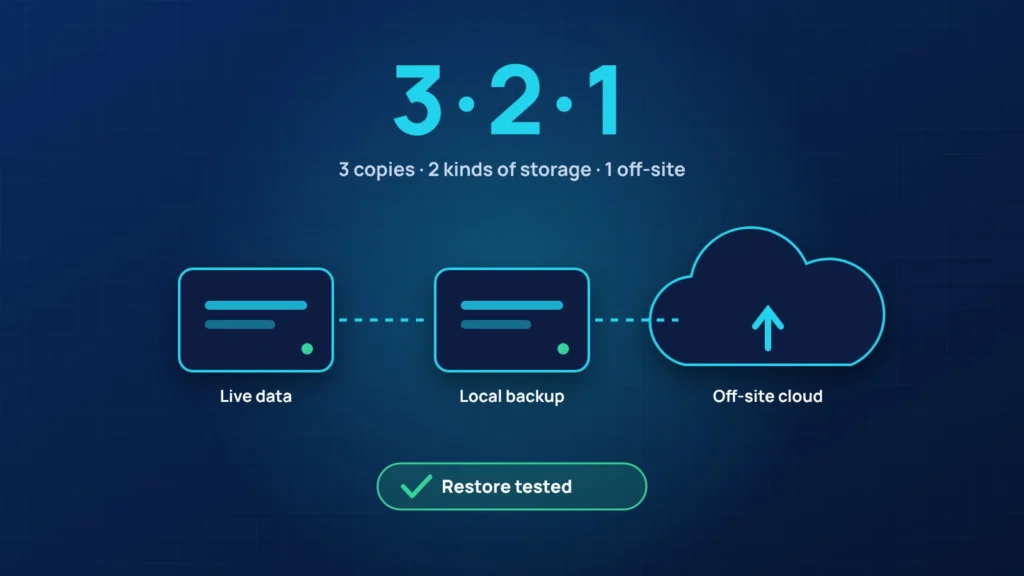
The 3-2-1 rule
- 3 copies of your data: the original plus two backups.
- 2 different types of storage, for example a local device and the cloud.
- 1 copy off site, out of reach of fire, flood or theft.
Today we add one more rule: at least one copy should be immutable, meaning it cannot be changed or deleted for a set period, even by an administrator. Ransomware actively looks for backups to destroy. Immutable copies survive.
Microsoft 365 is not a backup
Microsoft keeps your email and files running, but deleted items and overwritten files are only kept for a limited time. A separate Microsoft 365 backup protects mailboxes, OneDrive and SharePoint from accidental deletion, malicious insiders and attacks.
Test your restores
Schedule a restore test at least every quarter. Pick a random folder, a mailbox and, for servers, a full machine. Time how long it takes. That number is your real recovery time, and it is the one to plan around.
Write down the recovery plan
- Who decides that systems are down and recovery starts.
- Where the backups are and how to reach them if your main accounts are locked.
- Which systems come back first.
- Who to call: your IT provider, your insurer and, if needed, your clients.
Not sure your backups would work? Ask us for a backup check. We will test a restore with you and tell you exactly what is protected.


